
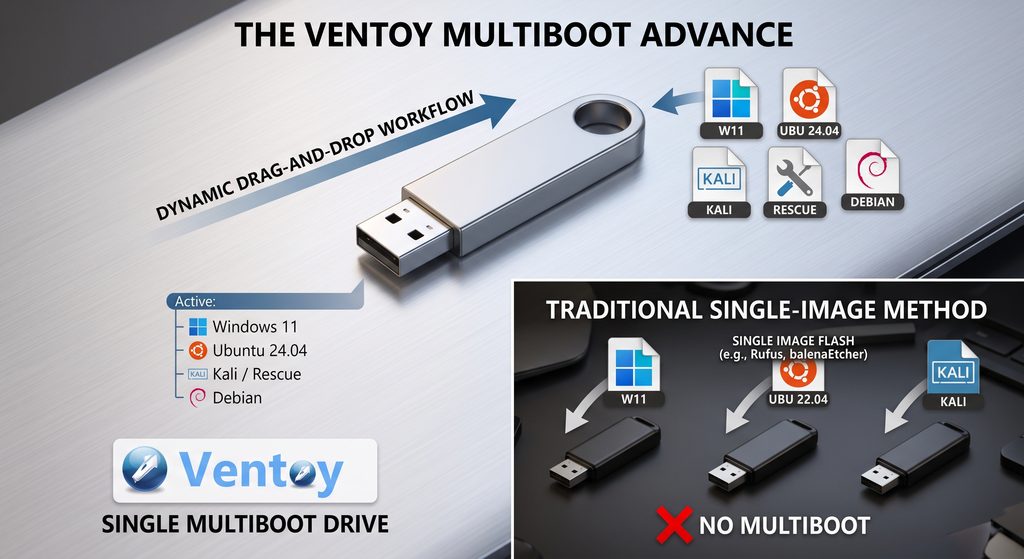
Managing multiple bootable USB drives has historically been a tedious task. Standard workflows often lead to a clutter of unlabelled thumb drives scattered across desks or drawers. Traditional utilities—such as Rufus or balenaEtcher—require users to overwrite an entire USB drive every time a new operating system ISO is needed or an existing image requires an update.
Ventoy, an open-source utility, completely changes this paradigm by enabling a single, multi-boot drive.
The Core Problem with Legacy USB Flashing Tools
Traditional flashing utilities format the targeted flash drive and write a single disc image directly to its boot sector.
- Single Image Constraint: One physical drive can typically hold only one operating system at a time.
- Time-Consuming Updates: Updating to a new OS release requires re-formatting and re-flashing the entire drive.
- Resource Inefficiency: IT administrators, developers, and tech enthusiasts often find themselves carrying dozens of drives for Windows, various Linux distributions, and rescue utilities.
How Ventoy Solves This Problem
Instead of writing an ISO directly to the raw drive block by block, Ventoy formats the drive just once into two distinct partitions:
- Boot/System Partition (~30 MB): A tiny, protected partition containing Ventoy’s core bootloader files.
- Data Partition (Remaining Capacity): A standard file storage partition formatted to hold disc images directly.
Key Workflow Advantages
- Simple Drag-and-Drop Management: Once Ventoy is installed on the flash drive, adding an operating system is as simple as copying .iso, .wim, .img, or .vhd files into the storage partition.
- Multi-OS Booting: A single 64 GB or 128 GB drive can simultaneously host Windows 11, Ubuntu, Kali Linux, Tails, and system rescue utilities.
- Instant Updates: Upgrading an OS image requires deleting the outdated ISO file and dragging in the new version—no re-formatting or re-flashing required.
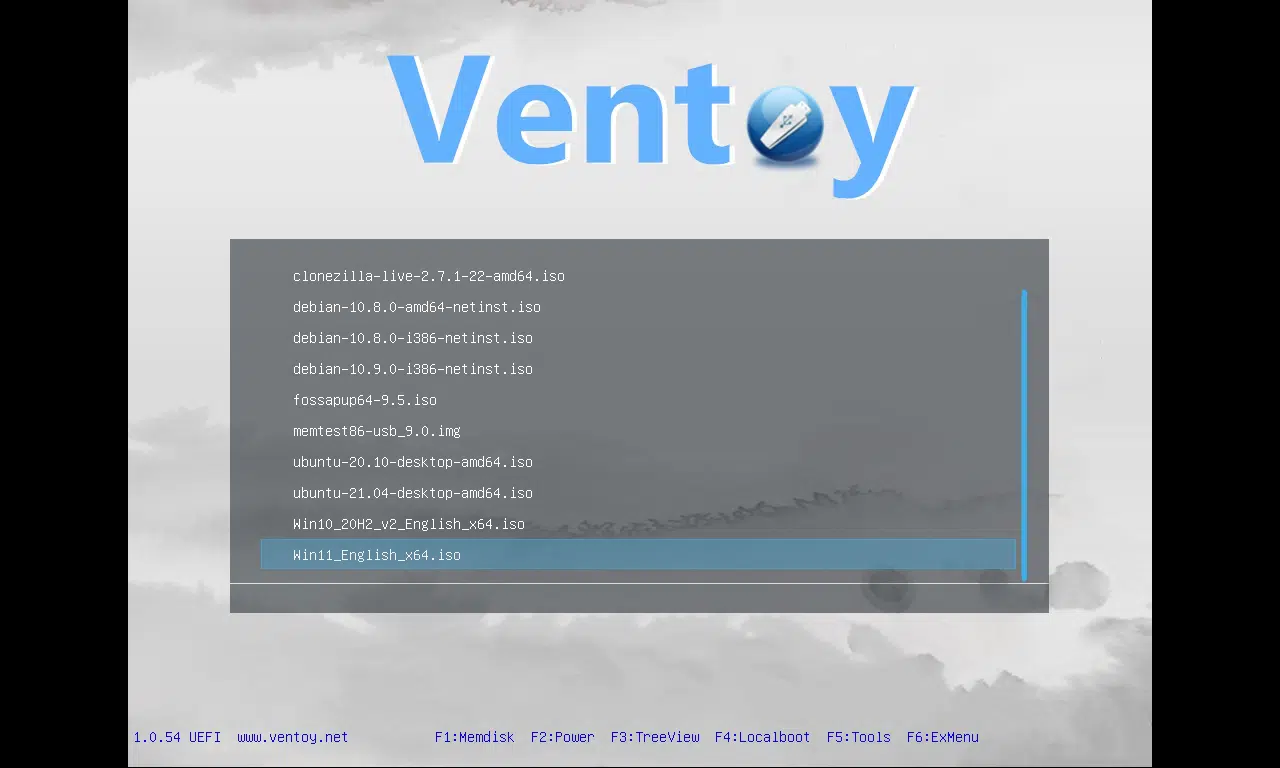
- On-Demand Menu: When booting from the USB drive, Ventoy automatically scans the storage partition and presents a visual boot menu listing all available images.
Feature Comparison: Ventoy vs. Rufus vs. balenaEtcher
| Feature | Ventoy | Rufus | balenaEtcher |
| Primary Method | Dynamic File Storage | Block-level Flash | Block-level Flash |
| Multiple ISOs per USB | Yes | No | No |
| ISO File Updates | Drag-and-Drop / Delete | Re-flash entire drive | Re-flash entire drive |
| Cross-Platform Host Support | Windows, Linux | Windows only | Windows, macOS, Linux |
| Ease of Maintenance | High | Low | Low |
Conclusion While tools like Rufus and balenaEtcher remain effective for standard, single-image flashing tasks, Ventoy is a significantly superior solution for anyone managing multiple operating systems or diagnostic environments. By decoupling the boot environment from the ISO files themselves, Ventoy eliminates redundant flashing, saves physical storage space, and streamlines deployment tasks
Tools mentioned:
Ventoy webpage
Rufus webpage
balenaEtcher webpage